









Function canceled
Function canceled


 Lyngsat
Kingofsat
Dishpointer
DVBSkystar.com
satbeams.com
CS Sat fórrum
Parabola
DVB-Upload
DVB N Forum
dvhk.pl
sat-television
Sat Centrum
SkyStar.org
TV Freak
Technisat
techneteuweb
Jak psat web
Jak na web
Zive.cz
Interval
O webu
Webguru
Builder.cz
Linuxsoft.cz
Tutorials.cz
web.net-mag.cz
Kosek.cz
webtvorba.cz
CSS Creator
samples.cz
programujte.com
builder.cz
časopis.programátor
učebnica c++
Odkiaľ je IP
Uč sa Anglicky
Speedtest
Otestujte sa
Lyngsat
Kingofsat
Dishpointer
DVBSkystar.com
satbeams.com
CS Sat fórrum
Parabola
DVB-Upload
DVB N Forum
dvhk.pl
sat-television
Sat Centrum
SkyStar.org
TV Freak
Technisat
techneteuweb
Jak psat web
Jak na web
Zive.cz
Interval
O webu
Webguru
Builder.cz
Linuxsoft.cz
Tutorials.cz
web.net-mag.cz
Kosek.cz
webtvorba.cz
CSS Creator
samples.cz
programujte.com
builder.cz
časopis.programátor
učebnica c++
Odkiaľ je IP
Uč sa Anglicky
Speedtest
Otestujte sa

Basic installation of Alt DVB
Alt DVB is software used for watching digital satellite television and radio. It is a very decent piece of software and everything is within reach. I use it only occasionally. It is installed by copying it into a directory, although there are also exe installers available (I cannot use everything all the time, my favorites are DVBDream and SkyView).

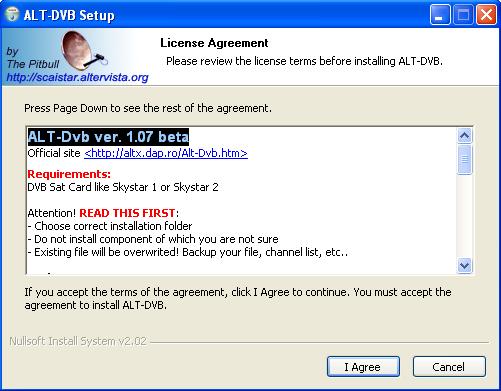
In the initial installation window we can see the program version. I chose version 1.0.7 (this one is beta, which means it is not fully finished yet). There is also support for cards (SS1, SS2), warnings, etc… If you want, READ.

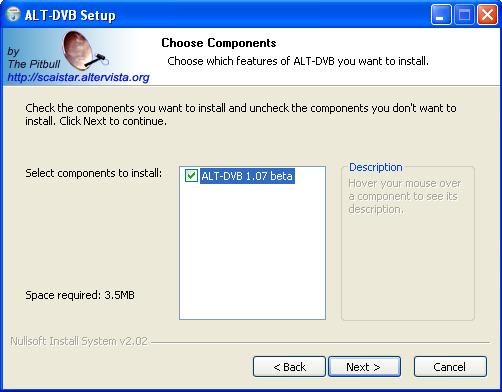
The next window offers component selection, but there is not much to choose from “haha”. There is also information about the disk space required – 3.5 MB. We can click Next.

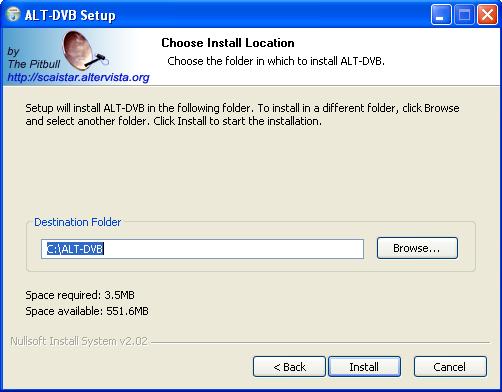
By clicking Browse you can choose a different path where the program will be installed (I personally leave it as it is: “C:\ALT-DVB”). There is also an interesting piece of information showing how much free space you have on your HDD. Now click Install.

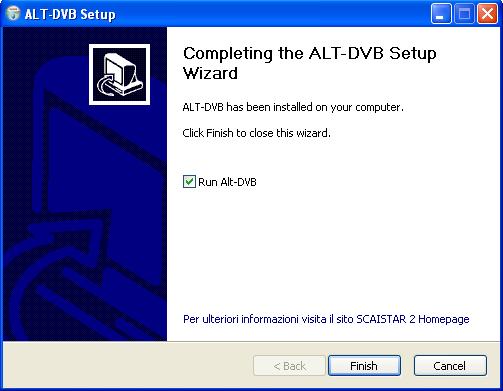
During installation, no problems should occur. By clicking the Finish button the program will start, and problems may appear only when configuring the program.

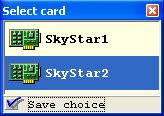
The program has started and immediately a window pops up for selecting the DVB card. Check “save choice” and double‑click SS2. The installation also included a channel list for the Astra and Hot Bird satellites. By clicking Satellite in the upper left corner (or in the lower right corner) you can choose the satellite you want to watch. Then just click a channel and…

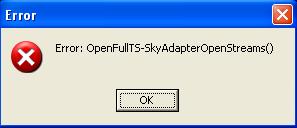
A long‑awaited problem may occur: the program may show this error message. This means you need to go to C:\ALT-DVB and find the file Register_DvbSource.bat.
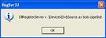
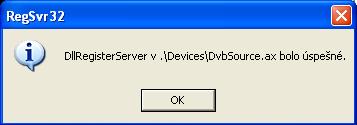
Double‑click this file and another message will appear telling you that the filter dvbsource.ax has been successfully registered. Now you can start ALT-DVB again and it should work. If the same error appears again, you need to restart the PC or SS2. If that does not help, reinstall ALT-DVB and possibly restart the PC again.

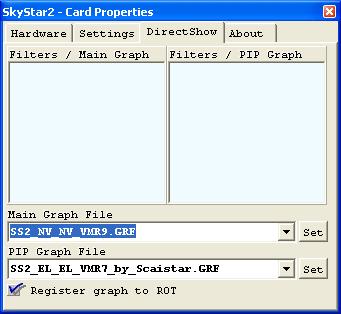
In the left menu click the device icon and try a graph that works best for you. Of course, you must have at least one MPEG2 codec installed. When you have selected a graph, check “register graph to rot” and confirm with Set. You can close the window and it should really work now.
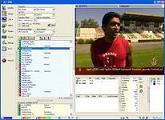
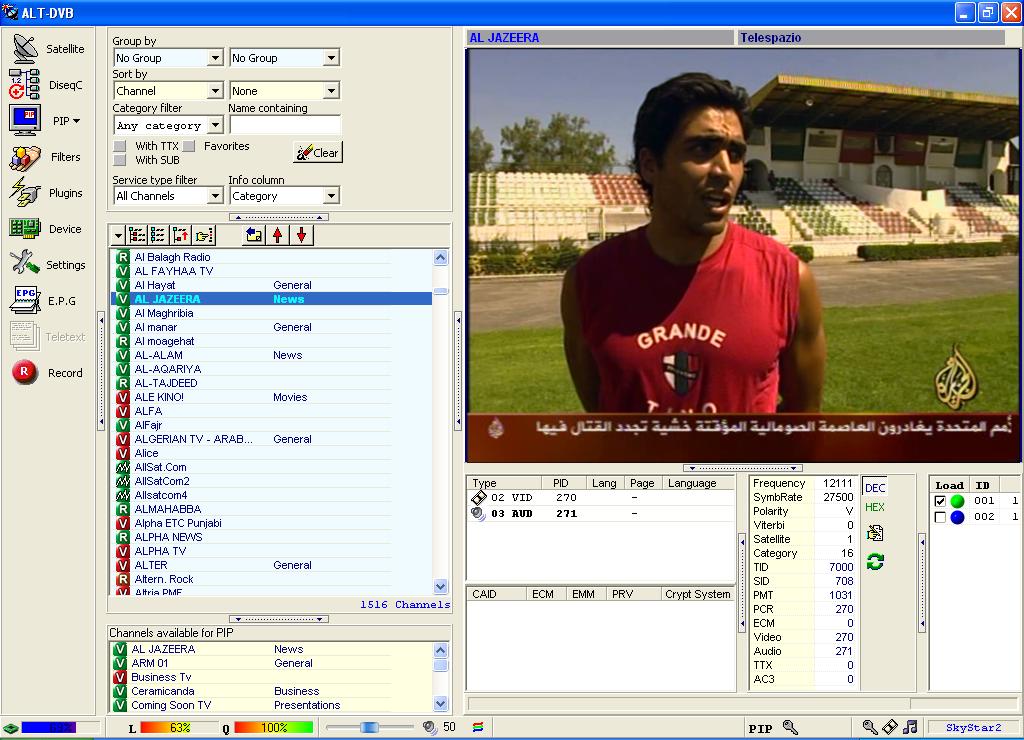
I hope it works for you now, because it works for me. ALT DVB has one advantage: you have all channel information visible: frequency, SR, all necessary PIDs, and for encrypted channels also ECM, EMM, CAID, etc… And in the bottom left corner there is also an indicator showing CPU usage. That should be everything regarding installation.
Official website: www.altdvb.ro